
Shot at 1 pm.
Posted at 7 pm.
Pics Me picks your best photos, puts them in the right order and gives them one look. Your dump is ready for Instagram in thirty seconds.

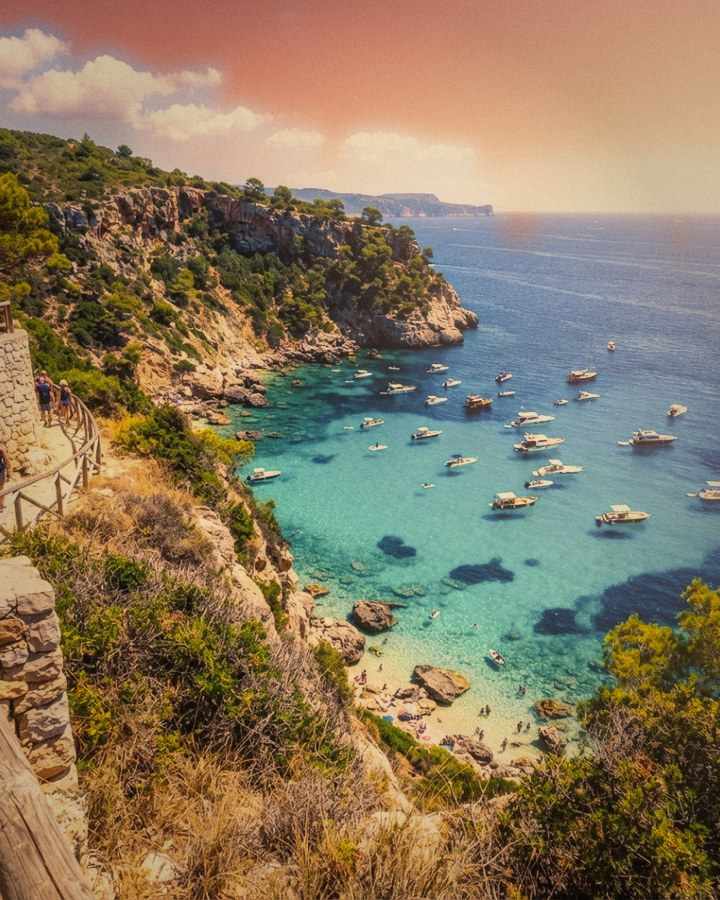
Three hundred photos in your camera roll. Nine that belong together.
Pics Me drops the blurry shots, the duplicates and the screenshots, picks the order that tells your day, then applies the same look to the whole carousel.
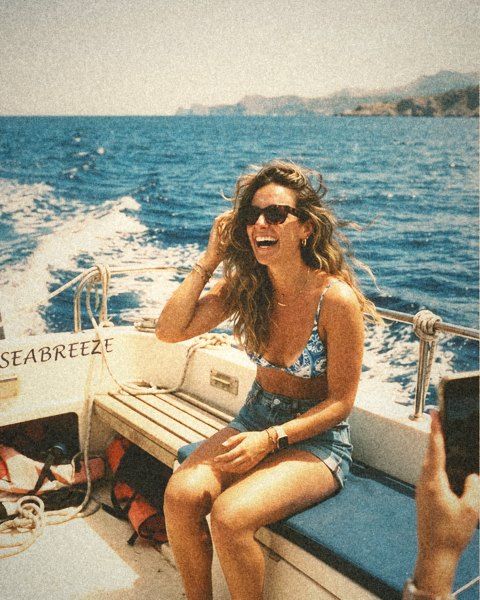
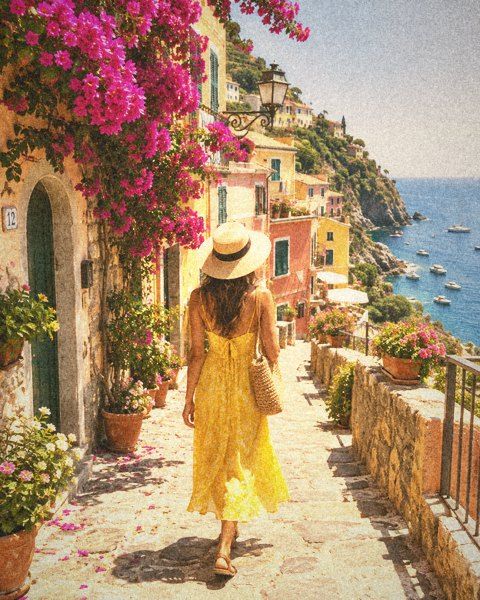
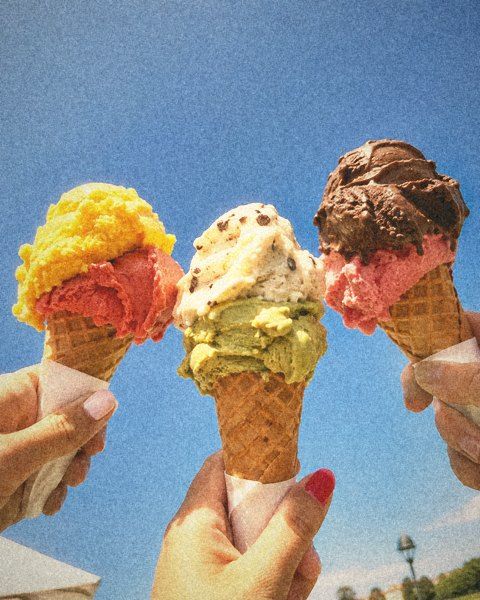
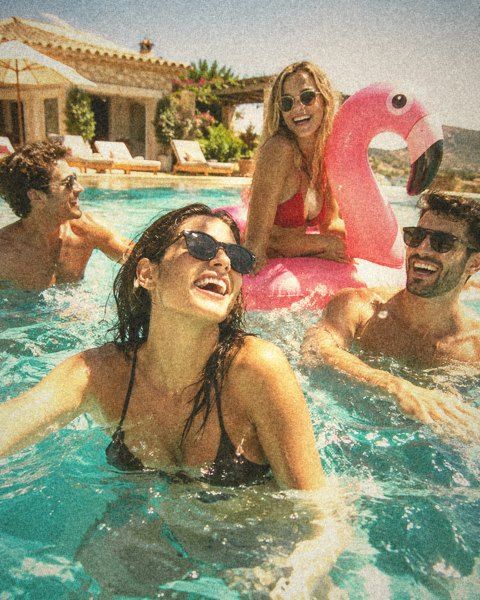
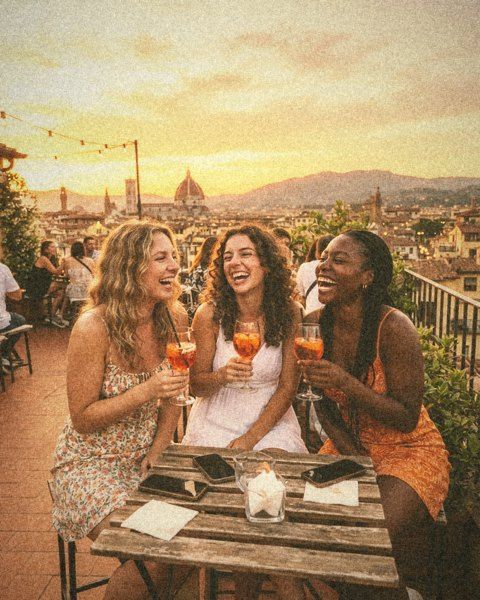
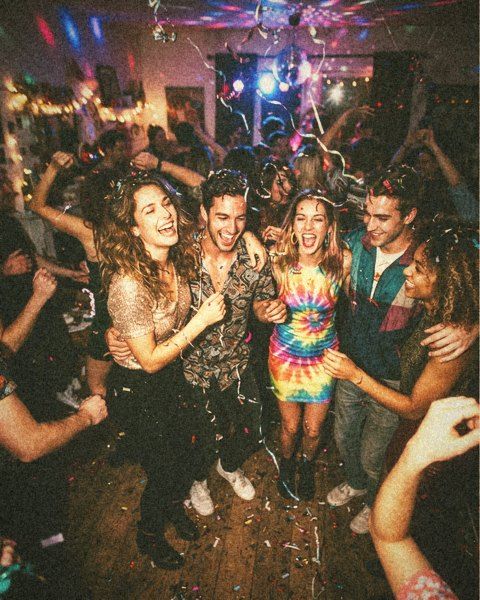
Same photo. Thirty films.
Film, golden hour, party flash, black and white… Looks rework colour and light, never your face. Everything is computed on your iPhone, at full resolution.
-

Clean FREE -
Golden Hour PRO -

Film FREE -

Summer FREE -
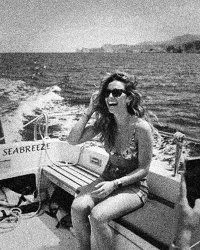
Black & White FREE -
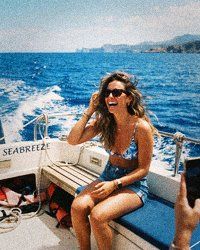
Flash PRO -

Neon PRO -

Peach PRO -

Cinema PRO -

Miami PRO
From camera roll to post, in three moves.
- 01
Pick
Pics Me pre-selects the best photos of your day. Keep them, swap them, confirm.
- 02
Shuffle
The order and the look are dealt like a deck of cards. Not convinced? Shuffle again.
- 03
Post
Preview it in your feed, then export at Instagram size, in order, down to the last button.
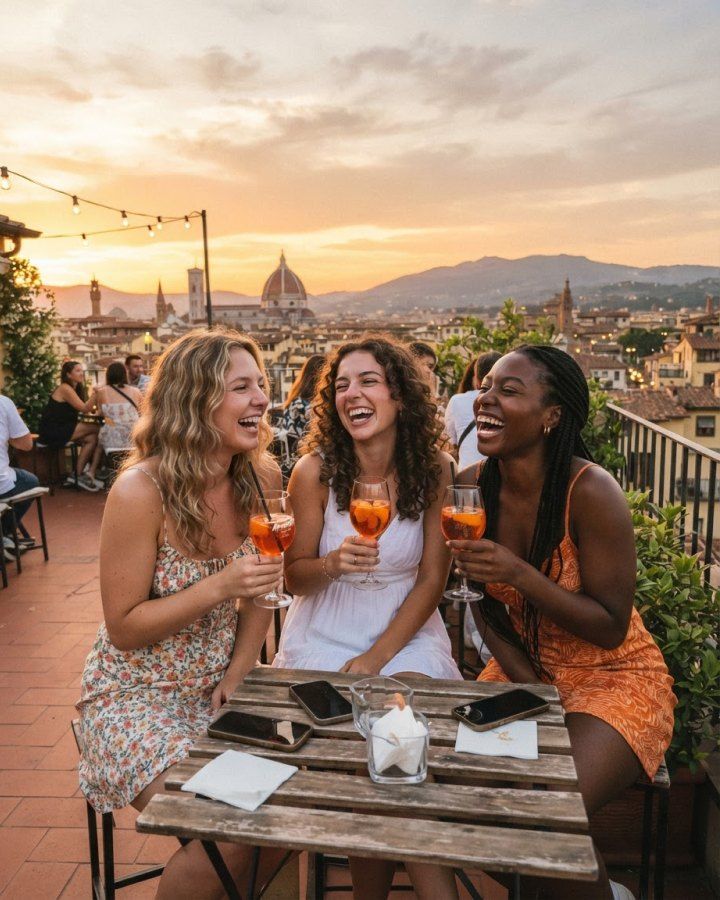
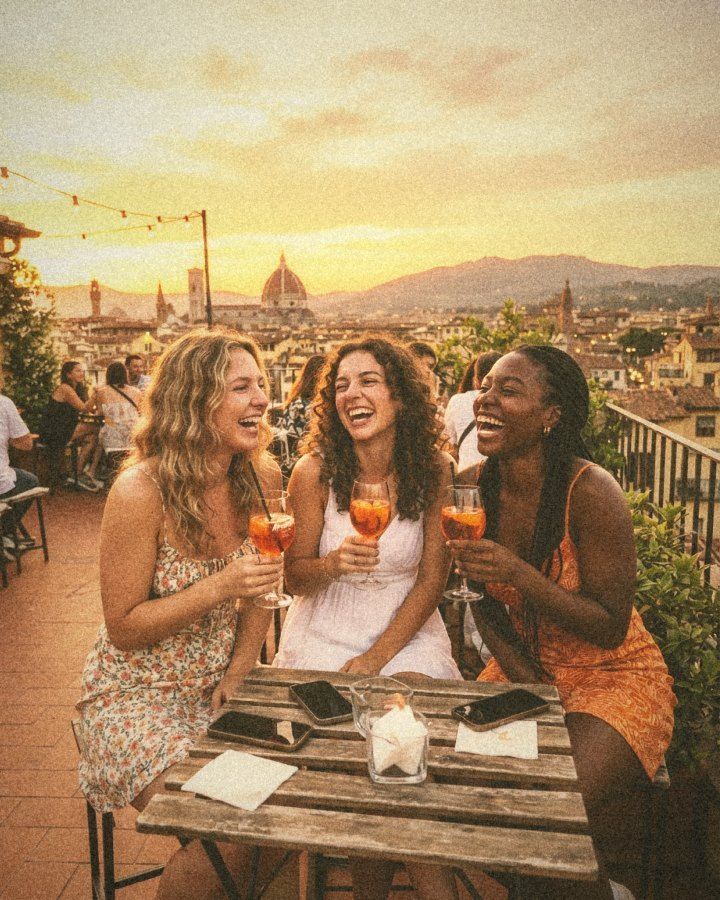
Sharp down to the last hair.
Pics Me starts from your iPhone’s original and exports it at Instagram’s exact size. No image regenerated by an AI: these are your pixels, in a different light.
- Export at Instagram size, 1080 × 1350
- Faces and skin protected
- Preview the post in your feed before publishing
Eight layouts, ready to post.
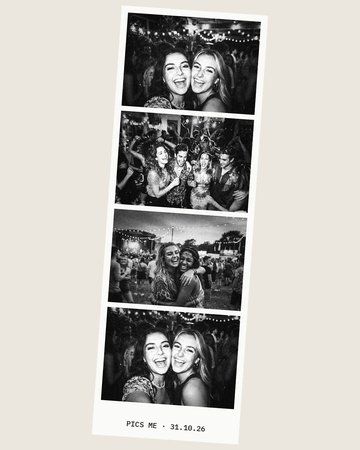
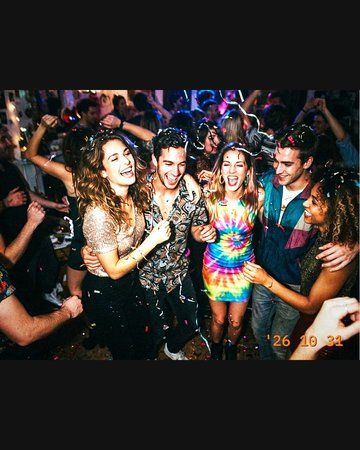
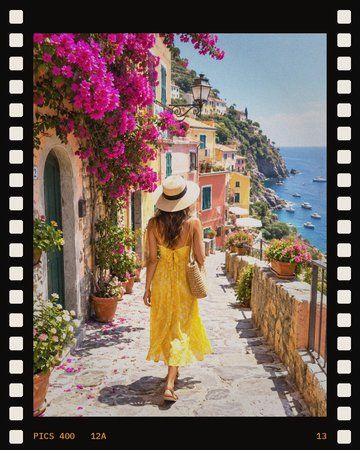
Pick your photos, Pics Me lays them out: photo booth strip, digicam screen, film with its sprocket holes, instant print, VHS…
- Photo booth
- Digicam
- Film
- Instant
- VHS
- Party
- Infrared
- Postcard
Shoot tonight.
See it tomorrow morning.
Like an old disposable camera: 27 shots, no screen to check, no second try. You live your night. The photos turn up the next day, developed. 27 shots, no screen to check. The photos turn up the next day, developed.
- 01 Load a film A name (“Camille’s party”), a look, and when to develop it: tomorrow at 9, in 7 days or at the end of the holiday.
- 02 Shoot blind A viewfinder, one big red button, a 24 / 27 counter. The flash fires on its own.
- 03 9 am: it’s developed A notification, and your 27 photos are waiting in Creations, with the grain of the film. Ready for the dump.


Your photos never leave your iPhone.
No account, nothing uploaded to a server. Selection, looks and export all happen on your phone. Nothing is saved to Photos unless you ask.
Try everything. Pay to post.
Free
€0
You see and try everything: selection, shuffle, all 30 looks as previews, the Instagram preview. Photos stay in the app.
Download for freePro · yearly
34,99 € / year
Download, publish, HD zoom, every look, templates, full disposable mode.
Try 7 days freePrices for France, incl. tax. The subscription renews automatically and is billed to your Apple Account unless you cancel at least 24 hours before the end of the current period. Manage or cancel any time in Settings › your name › Subscriptions. See the subscription terms.
Questions
Do I need an account?
No. Open the app, allow access to your photos, and you’re set. The subscription is tied to your Apple Account.
Is it free?
Downloading and trying it out are free: you see everything Pics Me does on your own photos. Downloading, publishing or sharing what you make needs Pics Me Pro.
Are my photos sent anywhere?
No. Selection, looks, disposable mode and export are all computed on your iPhone. No photo is ever sent to a server.
Is an AI changing my photos?
No. Looks are a colour and light engine, like a film stock: they never create or alter the content of the image, and they leave faces alone.
Which iPhones does it work on?
Every iPhone running iOS 18 or newer.
What about Android?
Soon. Pics Me launches on iPhone first; the Android app is in the works.
How do I cancel?
In Settings › your name › Subscriptions › Pics Me. Cancellation takes effect at the end of the current period.
